Hostinger Review: Plans, Renewal Price and Who It Fits
You saw Hostinger at $2.49 a month, and it looks almost too cheap for a real WordPress site. That price means four years paid upfront, then a renewal at $10.99 a month; Hostinger fits a first site or small business site if those terms suit you.
My pick in this Hostinger review is Unlimited for most WordPress sites, or Premium for one simple site. It’s a weaker fit if you want monthly billing or run a busy store and want more help from the host.
I’ll help you choose a plan without missing the renewal bill or paying for features you won’t use.
Hostinger review: the verdict at a glance
Hostinger fits small WordPress sites if you budget for the renewal. I’d start most owners on Unlimited: daily backups and staging for $1 more a month than Premium.
| Hostinger | |
|---|---|
| Best for | a first site, a small business site, a few small sites on one account |
| Not for | month-to-month billing, a store with steady daily orders on the cheapest plan |
| Plan to start with | Unlimited (Premium for one simple site) |
| Intro (term) | $3.49/mo for 48 months |
| Renews at | $16.99/mo |
| 4-year cost | $168, paid upfront for 4 years |
Good to know
- Daily backups, staging and object cache start on Unlimited, not Premium.
- Free migration of WordPress sites from another host, with a separate request per site.
- The domain and email are free for the first year.
Watch out for
- The headline price needs a 48-month payment upfront.
- On Premium and Unlimited, renewal is about four to five times the intro price.
- Email and the domain become paid after the first year.
Plans and what they renew at
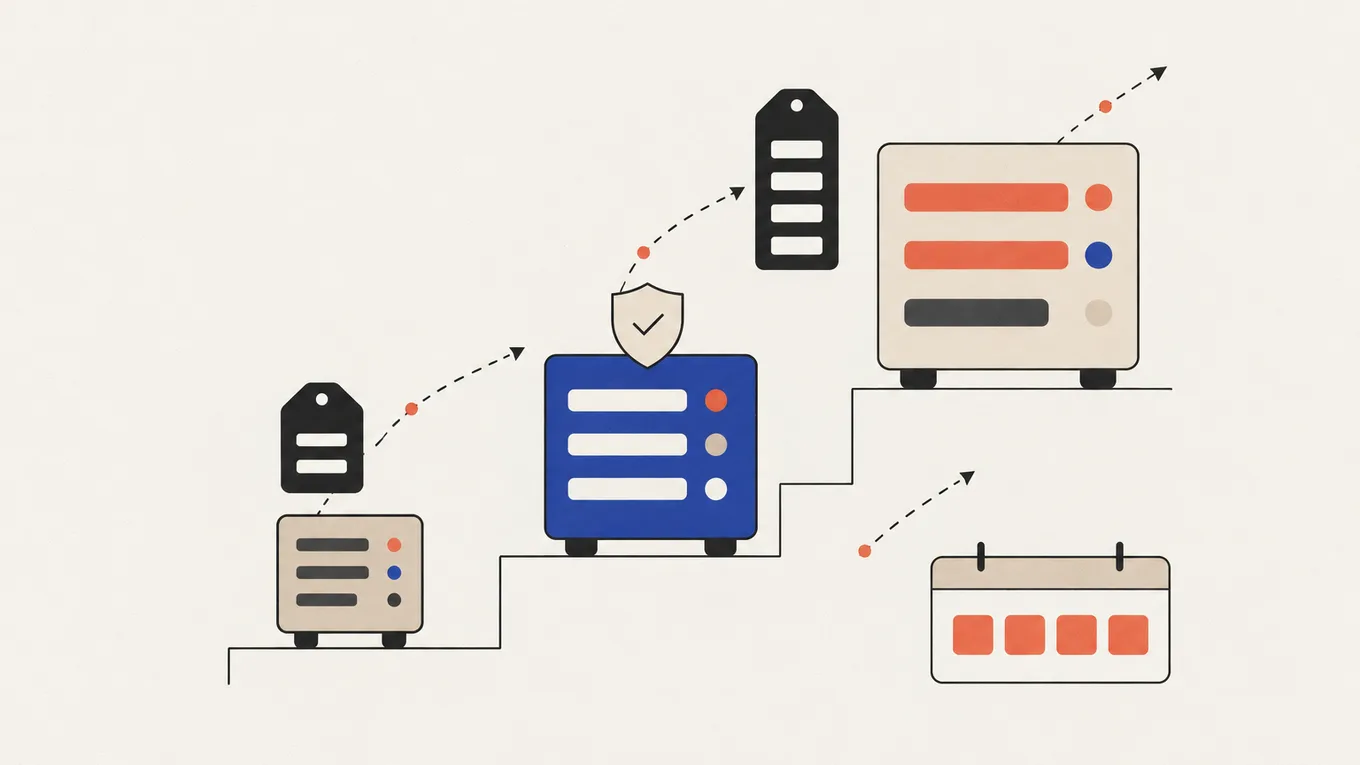
Hostinger sells three plans that fit a normal WordPress site. All headline prices need a 48-month term, paid at checkout.
| Plan | Intro (term) | Renews at | Paid upfront | Sites |
|---|---|---|---|---|
| Premium | $2.49/mo (48 mo) | $10.99/mo | $119.52 | 3 |
| Unlimited | $3.49/mo (48 mo) | $16.99/mo | $167.52 | unlimited |
| Cloud Startup | $7.99/mo (48 mo) | $25.99/mo | $383.52 | see below |
Prices from Hostinger’s pricing page at the time of writing, before tax. Hosts change prices often, so check the total on the checkout page before you pay.
Premium gives you 3 sites, 20 GB of storage and weekly backups. It’s enough for one brochure site or a blog that you update now and then.
Unlimited adds daily backups, staging, object cache and 50 GB of NVMe storage. The price gap is $1 a month at intro and $6 a month at renewal. Hostinger says you can’t downgrade Unlimited to another tier, so Premium is the cheaper place to start if you’ll only need one small site.
If you searched for the Hostinger Business plan, it’s gone from sale. Hostinger now sells Unlimited in its place.
Cloud Startup is the step up for a store or a busy site: 4 CPU cores, 4 GB of RAM and 100 PHP workers against 2 cores, 3 GB and 60 on Unlimited. Hostinger’s pages disagree on its site count (unlimited on the pricing page, 100 in the limits table), so check it in the cart if you plan many sites.
There’s also an Agency plan at $29 a month for 24 months, renewing at $49, for people who run client sites. It’s outside the scope of this review.
Pick Premium for one simple site, Unlimited for a site you’ll grow or change, and Cloud Startup for a store with daily orders.
If you’ve settled on a plan, compare it once more on Hostinger’s own plans page, with the renewal next to the intro price.
What’s included and what isn’t
Every plan includes a free SSL certificate, a CDN, a malware scanner and Hostinger’s own control panel. The differences that matter most are backups, staging, email and the resources your sites share.
Backups
Premium makes weekly backups and keeps each one for six weeks. Unlimited and Cloud add daily backups, kept for seven days. On a weekly plan, a bad update on Friday can roll you back to last Sunday, and everything since is gone.
Keep your own copy of the files and database off the server, whatever the plan.
A host backup is useful, but it lives in the same account you might lose access to.
Staging
Staging is a copy of your site where you test updates before they reach visitors. On Premium, staging shows an upgrade prompt. On a store, test every update there first. Pushing a staging copy to live overwrites the live site, so never copy a staging database over a live store with new orders.
Email and domain
You get a free domain and free mailboxes for the first year: 2 per site on Premium, unlimited on Unlimited and Cloud. After that both are paid. Hostinger lists a .com renewal at $19.99 a year, and its standalone email plans renew from $1.59 per mailbox a month on a 48-month term. Check what your bundled mailboxes will cost in your account before the free year ends.
Resources and limits
The resources belong to the plan, and every site on it shares them.
| Premium | Unlimited | Cloud Startup | |
|---|---|---|---|
| CPU / RAM | 1 core / 2 GB | 2 cores / 3 GB | 4 cores / 4 GB |
| PHP workers | 40 | 60 | 100 |
| Files (inodes) | 400,000 | 600,000 | 2,000,000 |
| Databases | 10 | 150 | 300 |
Ten sites on one Unlimited plan share 2 cores and 600,000 files, so “unlimited sites” is not unlimited room.
Checkout: what to check before you pay
Before you pay, check these five details in the cart:
- The term. The low price is for 48 months. Shorter terms cost more per month, so compare the total, not the monthly figure.
- The total. Look at the amount due today, before tax, and make sure it matches the plan you chose.
- Add-ons. Remove anything you didn’t come for. Some extras, like domain privacy and Google Workspace email, can’t be refunded later.
- The renewal line. Note the renewal price and the date it applies.
- Auto-renew. Hostinger charges annual plans 14 days before they expire and domains 27 days before. Set a reminder a month earlier.
Hostinger offers a 30-day money-back window on hosting. A renewal counts as a new purchase, so the 30 days restart from the renewal charge. A free domain from a deal is not refunded. Hostinger keeps it for you and may deduct its value from your refund. Domain renewals, successful domain transfers, email storage add-ons and crypto payments are not refundable either, as Hostinger’s refund policy lists.
Speed, uptime and support
Hostinger’s servers run LiteSpeed, with WordPress caching built around it. You pick a data centre in the US, Europe, Asia or South America, and a site loads faster for visitors near it.
The 99.9% uptime guarantee is a promise with compensation, not a measured result. Short outages still happen on any shared host.
Support runs 24/7 through chat in the dashboard and by email, and there’s WhatsApp too. The first answer comes from Hostinger’s AI assistant, and you can ask for a human. There is no phone line.
I don’t run benchmark accounts, so there are no speed scores of mine here. For what it’s worth, zenmarkup.com itself runs on Hostinger.
Hostinger is a good fit if chat support is fine for you and the site doesn’t earn so much that an hour of downtime is a crisis.
Who should pick something else
I’d look elsewhere in these three situations:
- You don’t want a four-year payment SiteGround sells 12-month terms and runs daily backups on every plan, but its renewal jump is bigger: StartUp goes from $2.99 to $17.99 a month.
- You run a store and want the host to do more Cloud Startup is Hostinger’s own step up. If you want managed cloud servers you pay for monthly, Cloudways is the common next look.
- Support matters more than price A managed WordPress host costs several times more. Check what its support covers and how fast it answers before you pay.
For a new site, compare my hosting and setup picks.
Moving to Hostinger
Before moving an existing site, check whether hosting is the problem. Three checks take about ten minutes:
- Run your slowest page through Google’s PageSpeed Insights and look at the server response time.
- Look for emails from your current host about resource limits, or 503 and 508 errors.
- Open wp-admin. If the dashboard is slow too, the server is a likely cause; if only image-heavy pages are slow, the site is.
If the server answers fast and the site is still slow, a new host won’t fix it. The site needs a speed fix first.
You have three ways to get your WordPress site there:
| Path | When it fits | What it costs |
|---|---|---|
| Hostinger’s free migration | A normal WordPress site on another host | Free, one request per site |
| Do it yourself with a plugin | A simple site, no store, email elsewhere | Free, about an hour of your time |
| A Fiverr Pro developer | A store with live orders, email on the old host, a custom setup or no time | from $100, plus Fiverr’s service fee |
Hostinger’s free migration moves the website only. It doesn’t move email, DNS records, cron jobs, custom SSL or FTP accounts, and moves between Hostinger accounts don’t count. Hostinger says a simple WordPress move usually takes under two hours, but the whole switch takes longer once you change DNS and check email.
For a DIY move, a plugin like All-in-One WP Migration packs the site on the old host and unpacks it on Hostinger. Make your own backup of the files and database first.
For a store or a site with email on the old host, I recommend Fiverr Pro. Fiverr hand-vets Pro freelancers for experience and the quality of their past work, so you skip most of the guesswork. Start with a paid audit, or ask for a custom offer split into milestones. Give the developer a separate SFTP user and their own database access, keep your own backup and keep the hosting and domain in your own name. On a store, agree up front how orders placed during the switch are kept. Here’s what a WordPress migration usually costs if you want the full price breakdown.
Keep the old hosting for a week or two after the move, until the site, forms and email all work on Hostinger.
Summary
My recommendation in this Hostinger review is Unlimited for most WordPress owners: daily backups and staging matter more than the dollar a month saved on Premium. The trade-off is four years paid upfront and a renewal four to five times higher. Check the total and renewal line in the cart, and set a reminder before it renews.
FAQ
Why does Hostinger's price jump after the first term?
The intro price is a discount for paying up to 48 months upfront. At renewal you pay the regular rate: $10.99 a month for Premium and $16.99 for Unlimited at the time of writing.
Can I get a refund if Hostinger doesn't work out?
Yes, within 30 days of paying for hosting. A free domain from the deal isn't refunded, and Hostinger may deduct its value from the refund.
Is Hostinger good for WordPress?
Yes, for small and medium sites. It runs on LiteSpeed with WordPress caching, and Unlimited adds daily backups and staging. A busy store is better on Cloud Startup or a managed host.
What happened to the Hostinger Business plan?
It's no longer sold. Unlimited took its place: daily backups and staging are included, and the plan can't be downgraded later.
Can I pay Hostinger monthly?
You can pick shorter terms, but the monthly price is higher than the 48-month deal. Compare the total in the cart before you choose.
Does Hostinger include email after the first year?
Free mailboxes last one year. After that, email is a paid plan, so check the price for your mailboxes in your account before the free year ends.
Will moving to Hostinger take my site offline?
Usually not. The site stays up on the old host while it's copied, and visitors switch over when you change DNS. Keep the old hosting until everything works.
Related Posts

Hostinger vs SiteGround: Which One Fits Your WordPress Site

Best WordPress Hosting for a First Site (and What It Renews At)

How Much Does a WordPress Migration Cost (Host, Domain, HTTPS)

How Much Does a WordPress Website Cost (DIY vs Hiring a Freelancer)