How to Hire a WordPress Plugin Developer for Custom Functionality
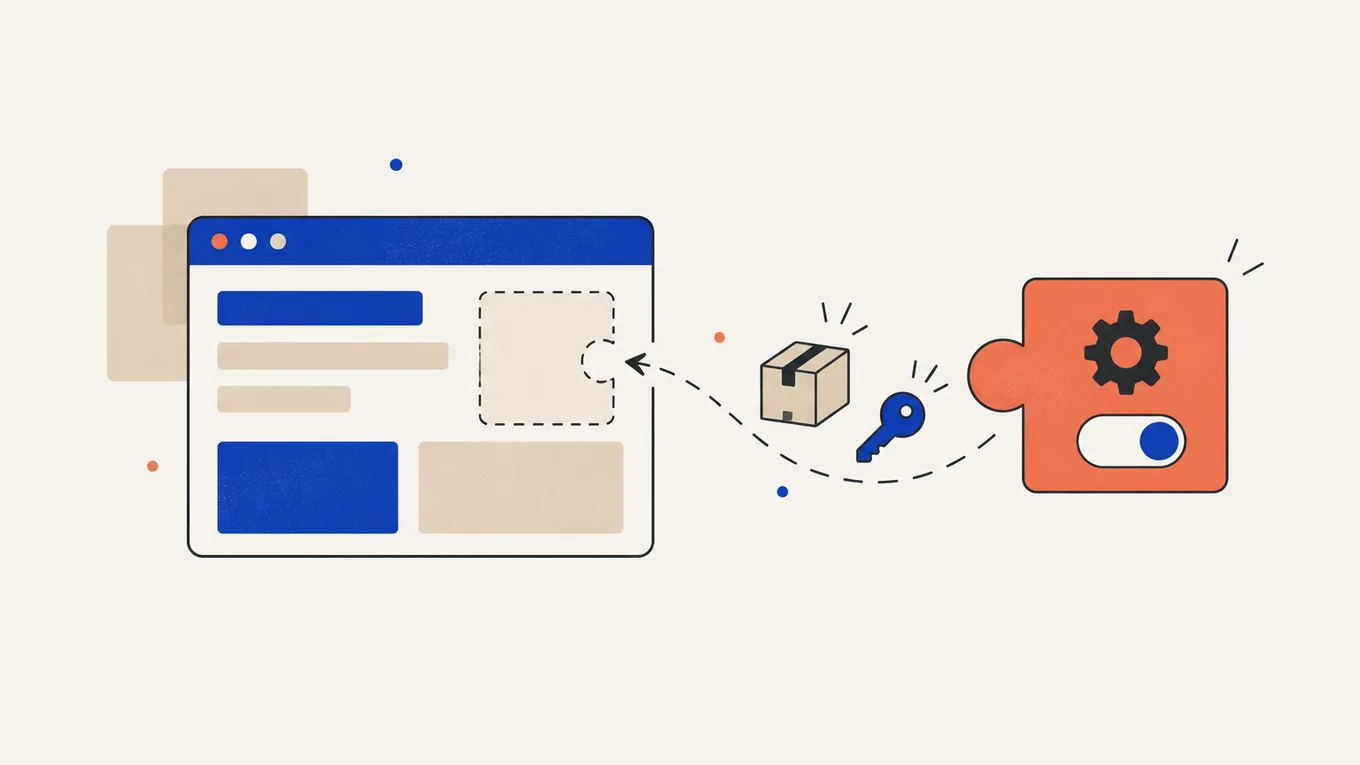
You need your site to do one thing no plugin does quite right. Maybe it’s a quote form that prices a job from your own rules, a member area that pulls data from your booking system, or a WooCommerce rule your store depends on.
Custom code can do that, but a careless build can break on the next update or leave you with code only one person understands.
Here’s how to check whether you need a custom plugin at all, then how to hire a WordPress plugin developer and keep the code, the accounts and the site in your hands.
Do you need a custom plugin, or a setting?
Many “custom” requests are already solved by a plugin you can install today. Before paying for new code, work out which of three cases you’re in.
- An existing plugin does it A form, booking or membership plugin covers 80% of what you want, and a setting or add-on covers the rest.
- A small code snippet One change to how WordPress behaves, like hiding a field or changing a redirect. A few lines added through a snippet plugin can be enough.
- A custom plugin Your own rules, your own data, or a connection to another service that no plugin offers.
When a client asks for a custom plugin, I first check whether a well-supported plugin already does most of it. Every custom plugin is code someone has to update for years. Paying for a plugin license plus a small add-on is often cheaper than owning it all.
There’s one more reason custom code belongs in a plugin. Code pasted into the theme’s functions.php file is overwritten when the theme updates (unless it sits in a child theme), and it stops running when you switch themes. A plugin keeps your feature working whatever theme the site uses, which is why the WordPress Plugin Handbook treats plugins as the way to add features.
Get clear on the scope first
A clear scope separates a $300 job from a $3,000 one and lets you compare offers. Write down:
- what the feature should do, in plain words, step by step
- who uses it: visitors, logged-in members, customers, or only you in the admin
- what data it stores or shows, and where that data comes from
- any outside service it talks to: a CRM, a booking system, a payment provider, an API
- which plugins it must work with: WooCommerce, your form plugin, your page builder
- how you’ll manage it: a settings page, or the developer changes things for you
- what counts as done: the exact steps you’ll test before you accept
Add a sketch or a screen recording of a site that does something similar. An example helps the developer give a more accurate quote.
If the feature has more than one part, split it. Build the core first, test it in real use, and add the extras in a second order. That helps you avoid paying for features you don’t need.
Already have an AI-written plugin?
If you used ChatGPT or Claude to write a plugin, send the developer the current code, what it should do and the steps that fail. I’d ask for a review before agreeing to a repair or replacement. The checks are the same as for any custom plugin: who can access its features, how it handles data, and whether it works with your other plugins.
Agree on tests using a staging copy, full source code at handover, and who handles future updates. Ask whether an existing plugin could cover the feature with less custom code to maintain.
Where to hire a developer
I recommend Fiverr Pro for custom plugin work. I work on Fiverr myself, so I know how orders, payments and reviews work. Pro sellers are vetted by Fiverr.
| How you pay | Fixed price per package, shown before you order; some gigs split larger builds into milestones |
|---|---|
| Typical price for this job | $200-4,000, depending on scope |
| How fast it starts | Order now; small features take days, full plugins two to six weeks |
| Your money | Held by Fiverr until the order is complete |
| Best for | Custom features, changes to an existing plugin, connections to outside services |
| Where to go | Find on Fiverr |
For a build over a few hundred dollars, ask whether the gig offers milestones. You then review and accept the plugin in parts, and each milestone gets a longer review window (8 days) than a normal order (3 days).
There are other marketplaces like Upwork, but I settled on Fiverr because I already work there.
What it costs
At the time of writing, these are typical Fiverr Pro prices for plugin work:
| The job | Typical Fiverr Pro price | What it usually covers |
|---|---|---|
| Small feature or change to an existing plugin | $200-500 | One feature, a hook into WooCommerce or a form plugin, a fix to custom code someone else wrote |
| Custom plugin with a settings page | $500-1,500 | Your own feature, an admin screen to manage it, testing on staging, basic documentation |
| Larger plugin or a connection to an outside service | $1,500-4,000+ | API connection, data sync, custom database tables, user roles, several features in milestones |
Package prices don’t include Fiverr’s service fee, and some sellers ask for a custom offer for anything beyond the Basic package.
Smaller gigs on the regular Fiverr Marketplace start lower, but for code your site will depend on, a vetted seller is worth the difference.
What the cheap price usually skips
A low price often buys code that works on the developer’s test site on the day of delivery. Check whether the offer includes:
- building and testing on a staging copy, not your live site
- checks that the plugin works with your current WordPress, PHP and plugin versions
- security basics: input checked, data escaped, no admin pages open to visitors
- code that loads only on the pages that need it, so the rest of the site stays fast
- a readme explaining what the plugin does and how to change its settings
- a period of bug fixes after delivery
The difference between a $300 and a $1,500 plugin is mostly what happens after the feature first works.
How to choose a WordPress plugin developer
Custom code runs on every page load, so the developer’s habits matter as much as the price.
Check reviews for similar work
Look for reviews that mention custom plugins, WooCommerce customizations or API connections, not only theme setup or design. Read the one- to three-star reviews and how the seller replied.
Ask for a plugin you can see working
Ask for a live site that uses a plugin they built, or a plugin they’ve published on wordpress.org. A working example tells you more than a list of programming languages.
Watch how they answer your brief
A good developer asks about your WordPress version, your hosting, the plugins it must work with and how you’ll test it. Suggesting an existing plugin instead of new code is a good sign.
The questions I’d ask before ordering
- Can an existing plugin do this, or part of it?
- Will you build and test on a staging copy?
- Will I get the full source code, and is it mine once the order is complete?
- Will the plugin work if I change my theme?
- What happens when WordPress or WooCommerce releases a big update?
- Which outside services or paid libraries will it use, and in whose account?
- How long do you fix bugs for free after delivery?
Start with a small order
If the job is big, start with the core feature as a Basic package or a first milestone. You see how the developer tests and communicates before you commit to the whole plugin.
Red flags
- asks for your hosting account or domain registrar password
- asks to chat or pay outside Fiverr
- quotes a complex plugin in a day without asking questions
- plans to build and test on your live site
- won’t hand over the source code, or delivers only an encrypted or “locked” file
- puts the API keys or outside accounts in their own name
- offers a “free” premium plugin with no license key behind it, which is a pirated copy and can carry malware
How to give access safely
Plugin work needs a WordPress login, and sometimes file access. Limit access to the job and share passwords through a password manager after placing the order.
- Take your own backup first. Use your hosting panel or a backup plugin, and keep a copy off the server.
- Set up a staging copy. Many hosts create one in a few clicks. The developer builds and tests there, and only the finished plugin goes to the live site.
- Create a separate WordPress user for the developer. Installing and testing plugins needs the Administrator role, so delete this user after the handover. Never share your own login.
- Give file access only if the job needs it. Create a separate SFTP user in your hosting panel, not your hosting account password.
- Keep outside accounts in your name. If the plugin connects to a CRM, a payment provider or an API, create the account yourself and give the developer only the key the plugin needs.
Never share your domain registrar login, your payment provider login or the email address your site’s admin account uses.
What to send before the work starts
- your site URL, and the staging URL if you have one
- what the feature should do, step by step, and what counts as done
- screenshots, a sketch or a link to a site that does something similar
- your WordPress and PHP version (Tools → Site Health → Info)
- your theme, page builder and the plugins it must work with
- any outside service it connects to, with a link to its API documentation
- how you’ll manage it after launch: a settings page, or changes through the developer
- your deadline and budget
- what access you’re ready to give
Your order requirements are the reference if the delivery doesn’t match what you agreed.
Ownership, handover and support after launch
A custom plugin is only useful if you can keep running it without the person who wrote it.
On Fiverr, the rights to delivered work pass to you once the order is paid in full, unless the gig description or the seller’s custom offer says otherwise. Read both before ordering, and ask the seller to confirm you’ll get the full, unencrypted source code.
Before you accept the delivery, check:
- the plugin works on staging through every step in your brief
- the site still loads at the same speed with the plugin turned on
- you have the plugin as a zip file, plus a readme on how to set it up
- you know which outside accounts and keys it uses, and they’re in your name
Ask for any changes through Fiverr before you accept. Then remove the developer’s WordPress user and SFTP user, and change any password you shared.
Plan for updates. WordPress, PHP and WooCommerce change, and custom code sometimes needs a small fix after a big update. Ask about paid support after delivery. Keep the plugin’s zip and readme safe, and test updates on staging first (on a store, every update). Regular maintenance helps you catch a conflict before your visitors do.
Summary
Hiring a WordPress plugin developer starts with knowing what the feature should do and who owns the result. Building on a live site or accepting code another developer can’t maintain puts your site at risk. Write a clear scope, start with the core feature as a small first order, and keep the source code and accounts in your hands.
FAQ
Will a custom plugin slow down my site?
Every plugin adds some work, but a well-built one that runs its heavy parts only where they're needed usually has little effect. Test the site's speed on staging with the plugin on and off before you accept.
Do I own the code?
On Fiverr, the rights to delivered work pass to you once the order is paid in full, unless the gig description or custom offer says otherwise. Check both, and ask for the full, unencrypted source code as part of the delivery.
Is it safe to give a developer admin access?
Yes, if you create a separate Administrator user for them, take a backup first and have them work on a staging copy. Delete that user after the handover, and never share your own login or your hosting account password.
What happens when WordPress updates?
Most well-written plugins keep working, but big WordPress, PHP or WooCommerce updates can need a small fix. Test updates on staging first (on a store, every update), and ask the developer before ordering whether they offer paid support later.
Fixed price or hourly?
Usually fixed. Most Fiverr Pro gigs are priced per package, so you know the price before you order, though some sellers also offer hourly orders with a weekly hour limit. For a larger plugin, ask for milestones so you pay and review in parts.
How long does a custom plugin take?
A small feature usually takes a few days. A plugin with a settings page takes one to three weeks, and a connection to an outside service can take four to six weeks, mostly spent on testing.
Can I change developers later?
Yes, if you have the full source code and a readme. Another developer can read clean code and keep working on it. That's why encrypted or locked code is a red flag.
Related Posts

How to Hire a LearnDash or MemberPress Developer for a Membership Site
Your course is ready, but the site that sells it isn't. One wrong setting, and paying members get locked out while strangers read for free.

How to Hire a WooCommerce Developer to Fix Checkout, Payments and Shipping
A customer says they paid, but WooCommerce shows no order. Here's where the order gets lost, and how to get it fixed without handing over your Stripe login.

How Much Does WordPress Maintenance Cost (and What It Should Include)
The report says "all plugins updated". Then the contact form stops working, and the fix costs extra. Here's what to pay for.

How Much Does a WordPress Website Cost (DIY vs Hiring a Freelancer)
One quote says $50, the next says $5,000, and both promise "a 5-page WordPress site." Here's what each price buys.
How to Hire a WordPress Developer for Custom Post Types and ACF
Every new listing means copying an old page and hoping the layout holds. Here's how to get it built without tying your content to one developer.