How to Hire a LearnDash or MemberPress Developer for a Membership Site
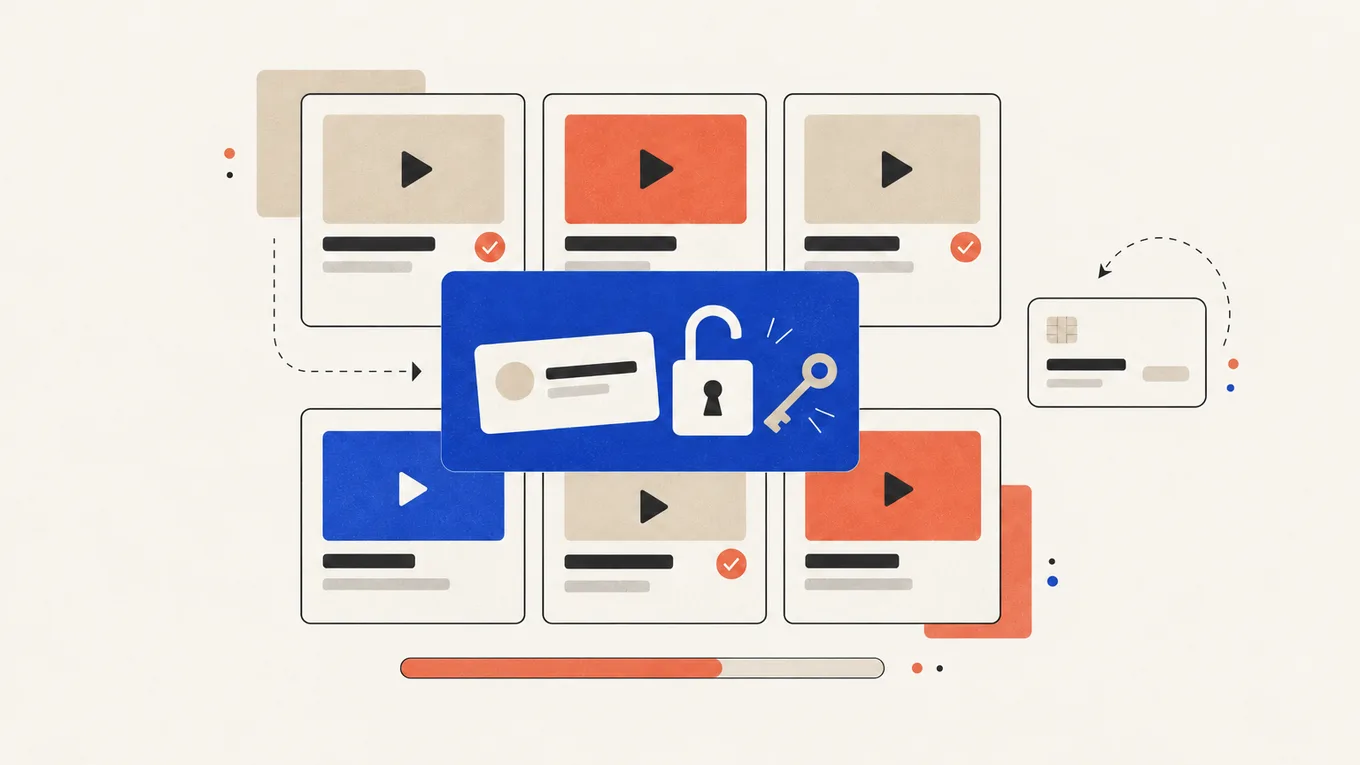
Your course or members-only library is ready to sell, but the WordPress site isn’t. You still need to choose a plugin, set up payments and decide what happens when a card payment fails.
A mistake in the setup leaves paying members locked out, or strangers reading paid content for free.
Here’s how to work out what your site needs and hire a LearnDash or MemberPress developer while keeping the payment account, licenses and member list in your name.
LearnDash, MemberPress or both
The two plugins solve different problems. Choose based on what your members pay for.
- LearnDash A course plugin. It handles lessons, quizzes, progress tracking and certificates, and can sell each course on its own.
- MemberPress A membership plugin. It handles membership levels, recurring payments and who can see which page. It also has its own course feature, simpler than LearnDash.
- Both together MemberPress sells the membership, LearnDash runs the courses inside it. This is common for course libraries where one subscription opens many courses.
If you sell one or two courses, LearnDash alone or MemberPress alone is usually enough. Two plugins mean two licenses and more places for a setting to go wrong, so ask the developer why you need both before you pay for both.
Both are paid plugins with yearly licenses. MemberPress shows a first-year price that’s half of the renewal, and its cheapest plan adds a 4.9% fee to each payment, as its pricing page notes. Budget for the renewal price, not the first-year deal. These are the course and membership tools I recommend.
Get clear on the scope first
A membership site has more moving parts than a brochure site, and each affects the price. Decide whether to use your current site or a new one, then write down:
- what you sell: courses, a content library, a community, or a mix
- how people pay: one-time, monthly, yearly, a free trial, a payment plan
- how many membership levels, and what each one includes
- how many courses, lessons and quizzes, and whether the content is ready
- the payment provider you have or plan to use: Stripe, PayPal or both
- the emails members get: welcome, receipt, failed payment, renewal reminder
- what members see after login: a dashboard, course progress, their account
Content often delays a launch. If your videos and lesson text aren’t ready, ask the developer to build with two sample lessons so you can add the rest.
Where to hire a developer
I recommend Fiverr Pro for a LearnDash or MemberPress build. Fiverr vets Pro freelancers by hand for their experience, portfolio and service record before they get the Pro badge. I work on Fiverr myself, so I know how its orders, payments and reviews work.
| How you pay | Fixed price per package, shown before you order; some gigs split larger builds into milestones |
|---|---|
| Typical price for this job | $250-4,000, depending on scope |
| How fast it starts | Order now; setups take days, full builds two to four weeks |
| Your money | Held by Fiverr until the order is complete |
| Who you hire | A Pro freelancer, vetted by Fiverr |
| Best for | Setting up or fixing LearnDash or MemberPress, or building a membership site |
| Where to go | Find a Pro on Fiverr |
For a larger build, ask whether the gig offers milestones. You then review and accept the work in parts, with a longer review window for each milestone than for a normal order.
What it costs
At the time of writing, these are the typical Fiverr Pro prices:
| The job | Typical Fiverr Pro price | What it usually covers |
|---|---|---|
| Setup or fix on an existing site | $250-750 | Installing and configuring the plugin, one membership level or course, a payment test, or one specific problem fixed |
| Membership or course site on your current site | $750-1,500 | Several levels, a few courses with your content, payments, member emails, account and login pages |
| Full build | $1,500-4,000 | Design, LearnDash and MemberPress together, a member dashboard, extra features like a community or certificates |
Package prices don’t include Fiverr’s service fee, the plugin licenses or your payment provider’s fees.
What the cheap price usually skips
A Basic package is the smallest scope a seller offers, and it is often a plugin install with default settings. Check whether it includes:
- a full test purchase, renewal and cancellation, not just one payment
- the failed-payment email and what happens to access when a card fails
- content protection checked while logged out
- the login, account and password reset pages styled to your site
- your existing members or customers imported, if you have any
- a short video showing you how to add a lesson and manage members
The difference between a small package and a larger one is mostly testing. One successful test payment doesn’t prove that renewal will work.
How to choose the right developer
Every member’s access depends on this setup. Look for someone who has built a similar site.
Check reviews for the same plugin
Look for reviews that mention LearnDash, MemberPress or a membership site specifically. Read the one- to three-star reviews and the seller’s replies.
Ask for a live site you can join
Screenshots don’t show how a membership site works. Ask for a live site with a free level or demo course, and sign up to try the login and member area.
Watch how they answer your brief
A good seller asks about your payment provider, membership levels and failed payments. A copy-paste list of features tells you little.
The questions I’d ask before ordering
- Do I need both plugins, or will one do?
- Will the licenses and the Stripe account be in my name?
- How will you test renewals, cancellations and failed payments?
- Will you build on a staging copy or on the live site?
- Which extra plugins will you install, and are they licensed?
- What happens if something breaks a week after launch?
Red flags
- uses their own Stripe or PayPal account to take your members’ payments
- a “free” LearnDash or MemberPress with no license key behind it, which is a pirated copy and can carry malware
- asks for your hosting account or domain registrar password
- asks to chat or pay outside Fiverr
- promises a full membership site in one or two days
- no questions about payments, renewals or your content
How to give access safely
A membership build needs a WordPress login, then a connection to your payment account. Share access through a password manager after placing the order.
- Take your own backup first. Use your hosting panel or a backup plugin, and keep a copy off the server.
- Create a separate WordPress user for the developer. The plugin setup needs the Administrator role, so delete this user after the handover. Never share your own login.
- Buy the licenses in your own account. Buy LearnDash and MemberPress yourself and give the developer the license key. Renewals, updates and support then stay with you.
- Connect the payment account yourself. MemberPress and LearnDash connect to Stripe through a Stripe sign-in screen. Click through it yourself when the developer is ready, so they never need your Stripe login or keys.
- Give file access only if the job needs it. Create a separate SFTP user in your hosting panel, not your hosting account password.
When the job is done, delete the WordPress user and any SFTP user you created.
What to send before the work starts
- your site address, and a staging copy if you have one
- what you sell, the membership levels and the price of each
- how people pay: one-time, monthly, yearly, trial
- your payment provider, and whether the account is already set up
- the course structure: courses, lessons, quizzes, and which content is ready
- your theme, page builder and current plugins
- your deadline, and the date you plan to open sales
Include what counts as finished in the order requirements so you can check the delivery against it.
Ownership, handover and support after launch
Before you accept, test it the way a member would. Use a second email address and a real card or Stripe’s test mode:
- buy a membership, log in, and open a course
- log out and try to open a paid lesson: it should ask you to log in or pay
- cancel the membership and check that access ends when it should
- reset your password and check that every email arrives
Fiverr gives you three days to review a normal delivery, and eight days for each milestone at the time of writing. Ask for any changes through Fiverr before you accept.
Ask for a short handover showing how to add lessons, manage members and find failed payments. Write it down or record it.
Plugin updates can affect access rules. Test updates on a staging copy first, and keep backups. Regular maintenance can catch access problems before your members do.
Summary
Testing payments and access matters more than the design of a membership site. Hire a LearnDash or MemberPress developer who keeps the licenses and payment account in your name and tests a full renewal. Start with a clear scope and one milestone.
FAQ
Should I use LearnDash or MemberPress?
Choose LearnDash for courses with lessons, quizzes and certificates, or MemberPress for subscription access to content. Course libraries also use both: MemberPress for memberships, LearnDash for courses. One plugin is cheaper and simpler when it covers what you sell.
Can I sell courses on WordPress without a monthly platform fee?
Yes. LearnDash and MemberPress charge a yearly license, not a monthly platform fee. You still pay hosting and your payment provider's fees, and MemberPress's cheapest plan adds a 4.9% fee per payment.
Who owns the members and their payment details?
You do, if the site and the payment account are in your name. Card details stay with Stripe or PayPal, not on your site. Never let a developer take payments through their own account.
What happens when a member's card payment fails?
The payment provider usually retries the charge, and the plugin can email the member. Whether access stops right away or after a grace period depends on how the developer sets it up, so decide this before the build.
How long does a membership site take to build?
A plugin setup on an existing site takes a few days. A full build with several courses usually takes two to four weeks. Missing course content is the most common delay.
Do I need special hosting for a membership site?
Not special, but often a better plan than a brochure site needs. Logged-in members usually skip the page cache, so every page is built fresh for them. With a few hundred active members, cheap shared hosting can feel slow.
Related Posts
How to Hire a WooCommerce Developer to Fix Checkout, Payments and Shipping
A customer says they paid, but WooCommerce shows no order. Here's where the order gets lost, and how to get it fixed without handing over your Stripe login.
How Much Does WordPress Maintenance Cost (and What It Should Include)
The report says "all plugins updated". Then the contact form stops working, and the fix costs extra. Here's what to pay for.
How Much Does a WordPress Website Cost (DIY vs Hiring a Freelancer)
One quote says $50, the next says $5,000, and both promise "a 5-page WordPress site." Here's what each price buys.

How to Hire a WordPress Plugin Developer for Custom Functionality
No plugin handles your pricing rules, and the developer wants admin access and three weeks. Make sure you can run the result without them.
How to Hire a WordPress Developer for Custom Post Types and ACF
Every new listing means copying an old page and hoping the layout holds. Here's how to get it built without tying your content to one developer.

How to Hire a WPML or Polylang Expert for a Multilingual WordPress Site
Your Dutch pages are live, but the menu and order emails still speak English. Check what the setup quote leaves out before you pay.