How to Hire a WordPress SEO Expert (Rank Math, Yoast, Technical SEO)
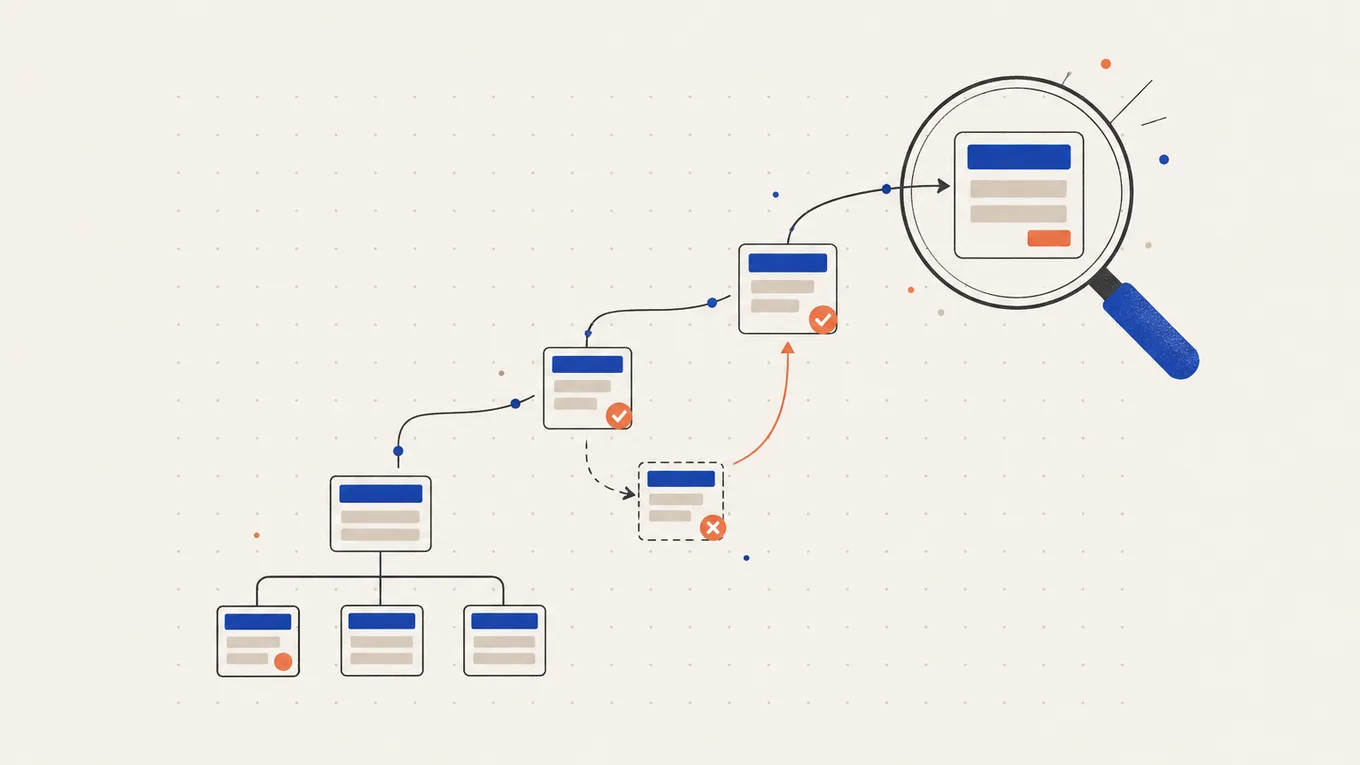
Your pages don’t show up on Google, Search Console lists dozens of pages as “not indexed”, and your SEO plugin glows green anyway.
Your inbox fills with offers: “page one in 30 days”, “1,000 backlinks for $20”. A bad hire leaves you paying for harmful links or handing a stranger the keys to your Google account.
I’ll show you what to check in ten minutes and how to hire a WordPress SEO expert to fix the problem while you keep control of your accounts.
What a WordPress SEO expert actually fixes
On a WordPress site, most SEO problems a freelancer can fix are technical. Google can’t find a page, can’t index it, or gets mixed signals about which version to show. These are usually fixable in days, and your content stays as it is.
The problems I see most often:
- Hidden from search engines A setting or plugin tells Google not to index the site, often left on after launch.
- Two SEO plugins at once Yoast and Rank Math both active print two sets of titles and sitemaps.
- Broken links after a change A new domain, a redesign or changed URLs left old links pointing to 404 pages.
- Messy sitemap and indexing Tag pages, attachment pages and thin pages fill the index while key pages are missing.
- Titles and descriptions Duplicate or missing titles make pages look the same in search results.
Google says no one can guarantee a #1 position. Rankings also depend on your content and competitors. If the site shows errors to visitors too, not only to Google, start with how to hire someone to fix a broken WordPress site.
Try this first (10 minutes)
These checks show whether Google can see your site at all. Only the first one may need a change.
- Check the visibility setting. In WordPress, go to Settings → Reading and make sure “Discourage search engines from indexing this site” is unticked.
- Search for your own site. Type
site:yourdomain.cominto Google for a rough picture. The results aren’t complete, so if a key page seems missing, paste its address into URL Inspection in Search Console. - Open the Page indexing report. In Google Search Console, the report lists “Why pages aren’t indexed”. Some reasons are normal, such as duplicates or pages you removed on purpose. Write down the reasons that affect your important pages.
- Count your SEO plugins. On the Plugins screen, check that only one SEO plugin is active, such as Yoast SEO or Rank Math. Both are on my list of SEO tools I recommend.
Hire straight away if traffic dropped sharply after a migration or a redesign, or if Search Console shows a manual action or a security issue. A security issue usually means a hack, and that’s a job for a WordPress malware removal expert.
If this didn’t explain it, or you’d rather not change settings yourself, stop here. Every extra change makes the expert’s job harder. The next step is choosing who fixes it.
Where to hire a WordPress SEO expert
I recommend Fiverr Pro for one clear technical SEO job on a small or medium WordPress site. Fiverr vets Pro freelancers by hand for their experience, portfolio and service record before they get the Pro badge. I work on Fiverr myself, so I know how its orders, payments and reviews work.
| How you pay | Fixed price per package, shown before you order |
|---|---|
| Typical price for this job | $100-150 for a plugin setup, $250-400 for an audit with fixes |
| How fast it starts | Order now; most jobs deliver in 2-5 days |
| Your money | Held by Fiverr until the order is complete |
| Who you hire | A Pro freelancer, vetted by Fiverr |
| Best for | Indexing errors, plugin setup, redirects, titles and schema |
| Where to go | Find a Pro on Fiverr |
What it costs
The price depends on how much of your site the seller checks and fixes. At the time of writing, Fiverr Pro prices fall into three levels:
| The job | Typical Fiverr Pro price | What it usually covers |
|---|---|---|
| Plugin setup | $100-150 | Yoast or Rank Math set up, sitemap submitted, titles and descriptions on the homepage and a few key pages |
| Audit with fixes | $250-400 | A technical audit, indexing errors fixed, redirects for broken links, schema, titles on key pages |
| Full technical SEO | $500-750 | The whole site after a migration or redesign, Search Console errors worked through, speed issues flagged, a report of every change |
Fiverr adds a service fee at checkout. Ongoing monthly SEO and link building are separate services and cost more.
What the cheap price usually skips
A Basic package can suit a single setting change, but it is the smallest scope a seller offers. Read what it covers, because it often leaves out:
- fixing the errors the audit finds, not only listing them
- redirects for old URLs after a change
- checking pages beyond the homepage
- a list of every change made
- a backup before changes
How to choose the right SEO expert
Check reviews for the same problem
Look for reviews about “indexing”, “Search Console”, “Rank Math”, “Yoast” or “migration”. Read the one- to three-star reviews and the seller’s replies.
Ask for examples you can check
Ask for before-and-after Search Console screenshots showing fixes on similar sites. A green plugin score says little about how Google sees the site.
Watch how they answer your message
Look for questions about your Search Console data and plugin list. A copy-paste “page one” promise tells you nothing about the cause.
The questions I’d ask before ordering
- What will you change, and will you send me a list of every change?
- Do you follow Google’s Search Essentials?
- Will you take a backup before changing settings or redirects?
- What access do you need?
- Is link building part of this order? (For a technical job, it shouldn’t be.)
- What results do you expect, and when?
Red flags
- a guaranteed #1 ranking or “page one in 30 days”
- hundreds or thousands of backlinks for a small fixed price
- a request to make them an owner of your Search Console or your Google account
- a request to install a “free” premium SEO plugin with no license you can see (often a pirated copy, which can carry malware)
- vague answers about what they will change
- a request to move the chat or payment off Fiverr
How to give access safely
Give the SEO expert only the access the job needs, through accounts you control. Remove it when the work is done.
- Make your own backup first. Download the files and database from your hosting panel and keep the copy off the server.
- Create a separate WordPress user for the seller instead of sharing your login. Delete it when the order is complete.
- Add them to Search Console as a user, not an owner. For an audit, a Restricted user (view only) is enough, which matches Google’s own advice. For fixes such as submitting a sitemap or checking URLs, give Full. Only owners can add or remove users, so keep ownership yourself.
- Never share your Google account login. Search Console invites go to the seller’s own Google account.
- Give file access only if needed, through a separate SFTP user created in your hosting panel, never your hosting account password.
- Remove everything when the job is done. Delete the WordPress user and the SFTP user, remove them in Search Console under Users and permissions, and change any passwords you shared. Check the list of owners there too: someone with access to your site files can verify themselves as an owner, and that verification has to be removed as well.
Keep your domain, hosting and Search Console ownership in your own name. Whoever owns those controls how Google sees your site.
What to send before the work starts
- your site’s URL
- what’s wrong in one sentence, and what counts as done (“indexing errors on product pages fixed, broken links redirected, sitemap submitted”)
- screenshots of the Page indexing report and any Search Console messages
- when the problem started and what changed just before (a migration, a redesign, a new plugin)
- your SEO plugin and its version, theme or page builder
- whether you moved domain or changed URLs, with a list of old addresses if you have it
- what you’ve already tried
- what access you’re ready to give
On Fiverr, the order requirements record the agreed work. Use them to check the delivery.
After the work: check, accept, prevent
Fiverr gives you three days to review a delivery before the order completes on its own. Check the same day:
- read the change list and ask about anything unclear
- open your key pages and a few old URLs to see that redirects work
- check a few key pages with URL Inspection in Search Console
- ask for changes through Fiverr before you accept the delivery
Then remove the access you gave. Indexing can take days or weeks to catch up in Search Console, so judge the delivery by the fixes, not by traffic in the first week. Before your next redesign or migration, plan redirects and SEO checks as part of the job.
Summary
Hire a WordPress SEO expert when Google can’t find or index your pages and you can’t identify the cause. The risk is paying for ranking promises and backlinks instead of fixes. Start with an audit that includes fixes and a change list, and keep Search Console ownership yourself.
FAQ
How much does it cost to hire a WordPress SEO expert?
On Fiverr Pro, a Yoast or Rank Math setup usually costs $100-150, and a technical audit with fixes about $250-400. A full technical job after a migration can cost $500-750.
Can an SEO expert guarantee first-page rankings?
No. Google says no one can guarantee a #1 ranking. A good expert can fix what stops Google from finding and understanding your pages, but rankings also depend on content and competitors.
Is it safe to give an SEO expert access to Search Console?
Yes, if you add them as a user, not an owner. A Restricted user can view data for an audit, and a Full user can submit sitemaps. Remove them when the job is done.
Should I switch from Yoast to Rank Math, or the other way?
Usually not, if the one you have works. Both handle the basics well. What matters is running only one and setting it up correctly.
How long until I see results?
Fixes can be done in a few days, but Google needs time to recrawl the site. Indexing changes often show within days to weeks, and traffic changes can take longer.
Do I need backlinks?
Not for a technical fix. Cheap bulk backlinks can break Google's spam policies and hurt the site. Good links usually come from useful content, not from a gig.
Related Posts

How Much Does WordPress Speed Optimization Cost (and Who to Hire)
Your homepage takes five seconds on a phone, and a gig promises 100/100 for $15. Here's what a real speed fix costs.

How to Hire Someone to Fix a Broken WordPress Site (Critical Error, White Screen, 500)
Try a few simple steps first. If your site is still broken, learn how to hire someone and let them work on your site safely.

How to Hire a WordPress Malware Removal Expert After a Hack
You deleted the spam pages, and a week later they were back. Here's what to do first after a hack, and how to hire someone who closes the way in.

How Much Does a WordPress Migration Cost (Host, Domain, HTTPS)
The files copied fine, but email stopped arriving and old links led to 404s. Here's what to check before paying for a migration.

How Much Does a WordPress Website Redesign Cost
The new design looks great, but the old service pages return 404. The contact form goes nowhere, and Google traffic drops by half.

How to Hire a WPML or Polylang Expert for a Multilingual WordPress Site
Your Dutch pages are live, but the menu and order emails still speak English. Check what the setup quote leaves out before you pay.