How to Hire a WPML or Polylang Expert for a Multilingual WordPress Site
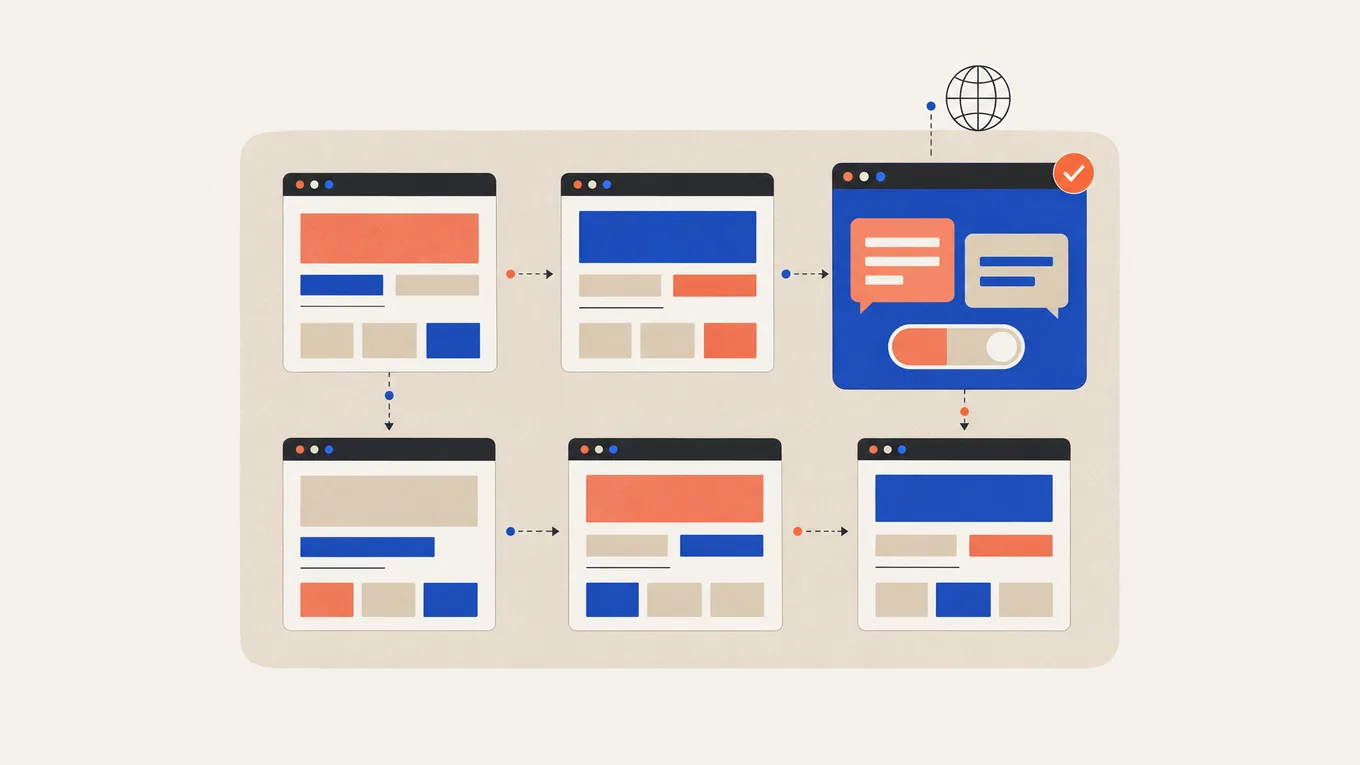
You installed a translation plugin, and your Dutch pages look fine until you click the menu. It’s still in English, the contact form replies in English, and Google shows the English page to people in Amsterdam.
A multilingual setup touches more than page text. A quote for “set up WPML” can mean a two-hour install or a week of work on strings, store emails and URLs.
Here’s how to work out what your site needs, what a WPML or Polylang expert costs, and how to hire one without losing your rankings or control of your licenses.
What a multilingual WordPress site actually involves
In WPML and Polylang, each translation is its own page with its own address, linked to the original. The plugin keeps track of which pages belong together and shows visitors a language switcher.
A complete setup covers four areas:
- Pages and posts Every page you want translated gets a copy in each language, with its own title, text and address such as
/nl/contact/. - Strings Menus, footer, buttons, widget titles and form messages live outside your pages, and so do the emails your forms and store send.
- Addresses and search Each language gets its own URLs and language tags that tell Google which page is for which language. Your SEO plugin needs titles and descriptions for every language too.
- Store A WooCommerce store needs products, categories, cart, checkout and order emails in each language. Prices in other currencies are a separate setting.
Setup and translation are separate jobs. A developer configures the plugin and the areas your site needs. You supply the words, hire a translator, or have someone who speaks the language check a machine translation.
Get clear on the scope first
Start with which of three jobs you need: a new setup, a repair, or a move between plugins. They’re priced differently.
You may not need to hire. A blog or small business site with translations you write yourself can run on free Polylang with an afternoon of setup. If you already pay for WPML and something broke, ask its support first: it comes with the license.
WPML or Polylang
Your site’s features matter more than the plugin’s price. At the time of writing:
| Plugin | Price (first year) | Covers |
|---|---|---|
| Polylang (free) | €0 | Pages, posts, language URLs, menus and basic strings; no WooCommerce |
| Polylang Pro | €99 for 1 site | Adds translated URL slugs for custom content types, page duplication and DeepL machine translation with your own key |
| Polylang for WooCommerce | €99 for 1 site | Store support; works with free Polylang or Pro (both as a Business Pack: €139) |
| WPML Multilingual Blog | €39 for 1 site | Pages and posts; no string translation, store or page-builder support |
| WPML Multilingual CMS | €99 for 3 sites | Strings, WooCommerce, page builders, 22,500 words of AI translation |
Polylang Pro’s DeepL translation doesn’t work on Elementor, Divi or Site Editor content, and it translates one item at a time. WPML Multilingual CMS suits a store or a page-builder site where you want machine translation built in. Its AI words are an allowance: a larger site pays for more. Polylang renews at half price; WPML shows your renewal price in your account. I run this site on Polylang, and for a site without a store the free version goes a long way.
If your current plugin works, keep it. Switching plugins is a migration project, not a cleanup.
Write down the details that change the price
- which languages, and whether every page is translated or only the key pages
- who translates: you, a translator, or a machine draft with review
- your theme or page builder, form plugin and SEO plugin
- for a store: how many products, and whether you need other currencies
- for a repair or a move: what’s broken now, and which addresses must keep working
Start with a pilot
Start with one language and a sample of your site’s page types: one normal page, the header and footer, and a form. On a store, test one product through checkout to the order email. If the pilot holds up, use it as the model for the rest.
Where to hire a developer
I recommend Fiverr Pro for a multilingual setup. I work on Fiverr myself, so I know how orders, payments and reviews work from the inside. Fiverr vets Pro freelancers by hand for their experience, portfolio and service record before they get the Pro badge.
| How you pay | Fixed price per package, shown before you order; custom offers for larger sites |
|---|---|
| Typical price for this job | $150-800+, depending on languages, store and builder |
| How fast it starts | A small setup often takes a few days |
| Your money | Held by Fiverr until the order is complete |
| Who you hire | A Pro freelancer, vetted by Fiverr |
| Best for | New WPML or Polylang setups, half-working sites, moves between the two |
| Where to go | Find a Pro on Fiverr |
For a larger site, ask for a custom offer split into milestones, starting with the pilot. Each milestone gets 8 days for review instead of the usual 3.
What it costs
At the time of writing, typical Fiverr Pro prices for multilingual setup work are:
| The job | Typical Fiverr Pro price | What it usually covers |
|---|---|---|
| One extra language, small site | $150-300 | Up to about 15 pages, plugin set up, menus, switcher, strings, SEO titles per language; you supply the translations |
| Store or page-builder site, several languages | $400-800 | Products and checkout, builder templates, forms and emails, translated slugs, more languages |
| Repair or move between plugins | $800+ | Broken links between translations, mixed addresses, WPML to Polylang or back, redirects for changed URLs |
Package prices don’t include Fiverr’s service fee. Cheaper non-Pro gigs exist, but many cover only installing the plugin.
The plugin license, extra machine translation words and human translation cost extra. Ask for a separate translation quote based on word count and language pair. If the repair’s scope is unclear, start with a paid assessment, then get a fixed quote.
If the language setup is part of a bigger build, see what a WordPress website costs.
What the cheap price usually skips
- translating strings from the theme, forms and plugins
- order and form emails in each language
- language tags checked on live pages or in the sitemap
- SEO titles and descriptions per language
- a staging copy before changes go live
- a short guide to updating a page and its translations
A $150 setup and a $500 one can install the same plugin. The difference is how much of the site speaks the second language.
How to choose a WPML or Polylang expert
A multilingual setup fails at the edges: the theme’s footer, a form plugin, the store emails. Look for someone who knows your combination of tools.
Check reviews for your plugin and builder
Look for reviews that name WPML or Polylang, ideally with your page builder or WooCommerce. “Translated my site” alone could mean someone pasted text into pages. Read the one- to three-star reviews and the seller’s replies.
Ask to see a live multilingual site
Open a past project and switch languages. Check that the menu, footer and buttons change, and each language has its own address. On a store, add a product to the cart in the second language.
The questions I’d ask before ordering
- Have you used this plugin with my theme, builder and form plugin?
- Which plugin would you choose for my site, and why?
- Which strings and emails are included in the price?
- How will you show me the language tags are in place?
- What does the pilot include, and how will I review it?
- Will you work on a staging copy first?
- Who checks machine translation before it goes live?
- Will the licenses be in my account?
Red flags
- asks for your hosting account or domain registrar password
- asks to pay outside Fiverr
- promises your whole site translated in a day, with machine translation published unchecked
- offers a “free” WPML or Polylang Pro with no license key behind it, which is a pirated copy and can carry malware
- plans to redirect visitors automatically by their location or browser language, which Google advises against
- puts two languages on one page instead of giving each its own address
- registers the site on their own WPML account without telling you that you’ll need your own subscription later
How to give access safely
Plugin setup needs administrator rights, so plan the access and take it back afterwards.
- Make your own backup. Store it off the server before anyone changes the site.
- Create a separate WordPress user. Give the developer their own Administrator account, not your login.
- Use a staging copy if your host offers one. Review the developer’s setup there before changes go live.
- Buy the licenses yourself. Buy WPML or Polylang Pro in your own account and give the developer the site key or license key, not your account password.
- Keep translation services in your name. If the setup uses DeepL or another paid service, create the account yourself, set a monthly usage limit, and share only the key.
- Add a file access user only if needed. Create a separate SFTP user in your hosting panel instead of sharing the hosting account password.
Share passwords through a password manager after placing the order. Never share your domain registrar login, your payment provider login or the email address your site’s admin account uses.
What to send before the work starts
- your site address, and staging if you have one
- which job: new setup, repair or move between plugins
- the languages you want, and which one is the main one
- which pages, posts and products need translating, with a rough word count
- who translates, and whether translations are ready
- your theme, page builder, form plugin, SEO plugin and other key plugins
- for a store: products, currencies and which emails customers receive
- for a repair or a move: what’s broken, and the addresses that must keep working
- what counts as done: the pages and steps you’ll test in each language
- your deadline and what access you’re ready to give
Your order requirements are the reference if the delivery doesn’t match what you agreed.
Ownership, handover and support after launch
Fiverr gives you 3 days after delivery to accept the work or ask for changes, then the order completes itself. Check the same day, on a computer and a phone, in every language:
- the switcher leads to the matching page, not the home page
- menus, footer, buttons and form messages change language
- each language has its own address, and old addresses still load or redirect
- on a store: a test order goes through, and the order email arrives in the buyer’s language
- the developer shows you the language tags on a few pages or in the sitemap, each version pointing to itself and its translations
Ask for any changes through Fiverr before you accept the delivery. For a live store, agree how to launch without copying the staging database over the live one. Orders placed during testing must stay.
Ask for a short written guide to updating translations and adding a new page in every language. Check the licenses and translation service are in your accounts, and note their renewal dates. If the site was on the developer’s WPML account, buy your own subscription and register the site under it, because WPML no longer transfers renewals.
Then delete the developer’s WordPress and SFTP users, and change any key or password you shared. Test plugin updates on staging first, and on a store, every update. Regular maintenance covers both.
Summary
A multilingual site needs both setup and translation. Miss the menus, forms or store emails, and visitors still meet English halfway through. Choose a WPML or Polylang expert who knows your builder and store, start with a one-language pilot, and keep licenses and accounts in your name.
FAQ
Will adding a second language hurt my SEO?
No, if each language has its own address and language tags that link the versions. That helps Google show each reader the right version. Problems come from automatic redirects, mixed languages on one page, or changed addresses without redirects.
Is machine translation good enough?
For a first draft, often yes. Have someone who speaks the language check your main pages, forms and checkout before they go live. Short texts like buttons and menu items are where machine translation fails most visibly.
Can I switch from WPML to Polylang later?
Yes. Migration tools exist in both directions, but they don't carry everything, such as some SEO data and page-builder templates. Treat it as a project: back up, test on staging, and keep a list of old and new addresses.
Do I need WPML for a WooCommerce store?
No. Polylang also works with WooCommerce through its paid add-on, Polylang for WooCommerce. With WPML you need the Multilingual CMS plan or higher, because the Blog plan has no store support.
How long does a multilingual setup take?
A small site with one extra language often takes a few days once the translations are ready. A store or a page-builder site with several languages can take one to three weeks, mostly spent on strings, emails and testing.
Do I keep my translations if I stop paying for the plugin?
Yes. WPML and Polylang Pro keep working when the license expires, and your translations stay. You lose updates and support, and with WPML you can't register the site again after moving it to a new address.
Related Posts
How Much Does a WordPress Website Cost (DIY vs Hiring a Freelancer)
One quote says $50, the next says $5,000, and both promise "a 5-page WordPress site." Here's what each price buys.

How to Hire a WooCommerce Developer to Fix Checkout, Payments and Shipping
A customer says they paid, but WooCommerce shows no order. Here's where the order gets lost, and how to get it fixed without handing over your Stripe login.
How to Hire a WordPress SEO Expert (Rank Math, Yoast, Technical SEO)
Search Console lists forty pages as "not indexed", and your SEO plugin still shows green. Here's what to fix and who to hire.

How Much Does WordPress Maintenance Cost (and What It Should Include)
The report says "all plugins updated". Then the contact form stops working, and the fix costs extra. Here's what to pay for.