UpdraftPlus Review: Free vs Premium Backups
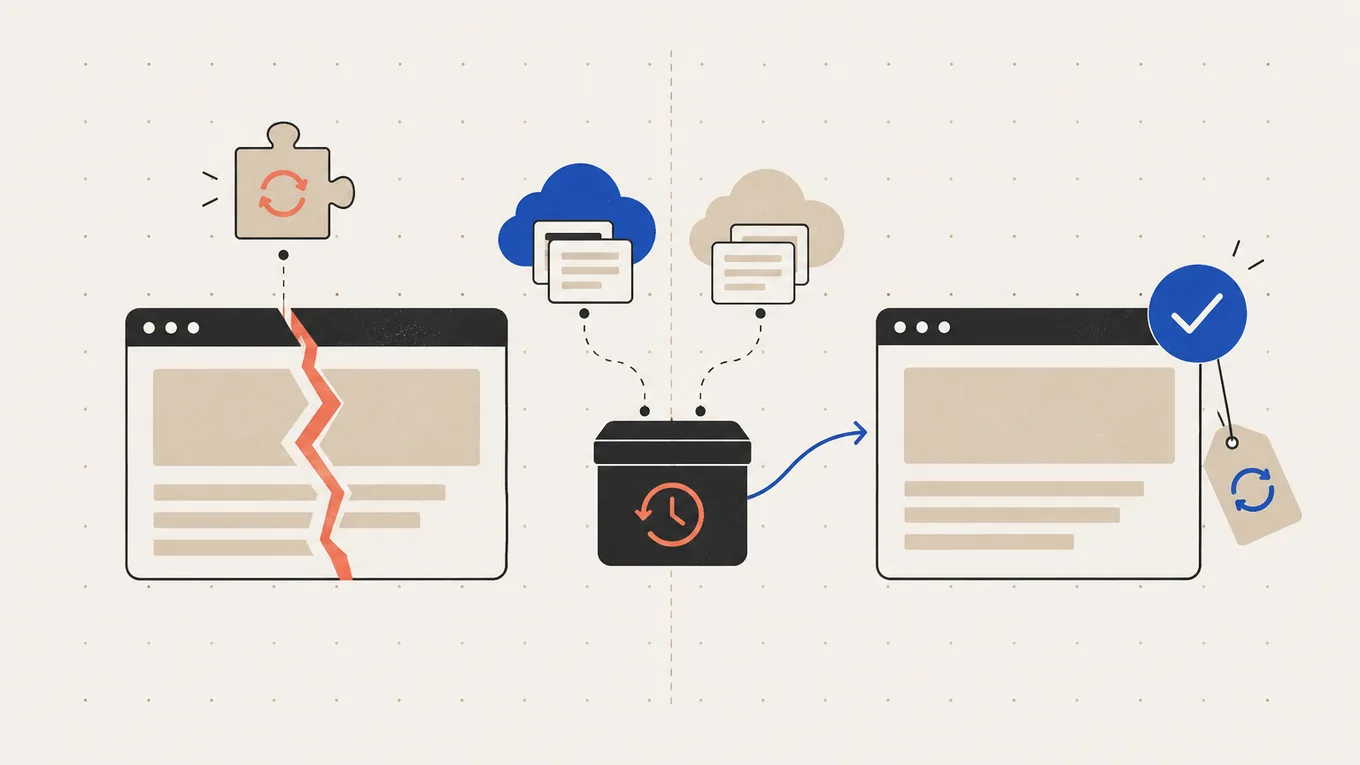
The free version of UpdraftPlus has been backing up your site for months, and a dashboard banner keeps offering Premium for $70 a year. After the October security news about its maker, you’re also wondering whether it’s still a safe pick.
My verdict in this UpdraftPlus review: stay on the free version if you run a blog or business site, send daily copies to your own Google Drive or Dropbox, and run a manual backup before you update. Buy Premium Personal if you update often and want an automatic backup of the database and the updated part before each update, need a second storage location, or run a large site on tight hosting. Pick something else if you want a service that holds the copy for you and can bring back a site that won’t load.
Here’s what I’d budget for Premium and storage, and when I’d hand the setup over to a specialist.
UpdraftPlus review: the verdict at a glance
| UpdraftPlus | |
|---|---|
| Best for | a blog, business site or small store that wants scheduled backups in cloud storage it already owns |
| Not for | owners who want the backup service itself to hold the copy and run the restore for them |
| Free version | scheduled backups to Google Drive, Dropbox, Amazon S3, FTP and more, one storage place at a time, restore and two-step migration; skips wp-config.php and files outside wp-content |
| Plan most readers need | Personal: 2 sites, every Premium feature, 1 GB of UpdraftVault storage |
| Price, first year | $70 for Personal |
| Renews at | auto-renews yearly; the renewal amount isn’t published |
| 3-year cost | not calculated: the renewal amount is unknown |
| Storage | your own cloud at no extra charge, or UpdraftVault from $35 a year for 5 GB |
The free version covers the backup most small sites need; Premium adds control over timing, extra copies and smaller file backups.
Good to know
- Active on 3+ million sites, rated 4.8 out of 5 on wordpress.org, updated October 19.
- Premium keeps working after the paid year ends; updates, fixes and premium support stop.
- UpdraftVault, TeamUpdraft’s own storage, works with the free plugin too, so off-site storage doesn’t require Premium.
Watch out for
- In October, TeamUpdraft reported unauthorized access to its website. The plugin itself wasn’t affected, but account holders had steps to take (details under Downsides).
- A schedule that shows as active is no proof that backups ran. Check the date of the last successful backup.
- The refund window reads 14 days on one page and 10 days on others.
Plans and what they cost
Every paid plan has the same Premium features; higher plans add sites and storage.
| Plan | Sites | First year | Storage included |
|---|---|---|---|
| Free | any | free | none (use your own cloud) |
| Personal | 2 | $70 | 1 GB UpdraftVault |
| Business | 10 | $95 | 1 GB |
| Agency | 35 | $145 | 1 GB |
| Enterprise | unlimited | $195 | 1 GB |
| Gold | unlimited | $399 | 50 GB, plus UpdraftCentral |
Prices at the time of writing, in USD before tax.
Plans renew automatically every year, and the pricing page doesn’t state the renewal amount. You can cancel any time; Premium then keeps working, but new features, fixes and premium support stop.
Extra UpdraftVault storage is a separate subscription: 5 GB for $35 a year, 15 GB for $70, 50 GB for $175 and 250 GB for $450. Every connected site shares the quota. When it fills up, new backups stay on your web server until you free space or buy more. If you cancel Vault, your backups stay reachable for two weeks, then they’re deleted.
The refund pages don’t agree. The refund terms and the pricing page’s guarantee block say 14 days. The pricing badge, the FAQ and the terms and conditions say 10 days, and the terms expect a technical problem that support has had a chance to fix. If you need a refund, ask within 10 days.
For one or two sites, Personal is the plan; Business makes sense from the third site.
What Premium adds for your site
If you update plugins yourself
Once switched on, Premium backs up the database and the part being updated (a plugin, theme or WordPress itself) right before the update. If the update breaks the site, you can roll back to that moment, not to last night’s copy.
Minimum plan: Personal. The limit: it copies the database and the updated part, not the whole site, so keep your scheduled full backups too. On the free version, the same habit costs one click: press Backup Now before you press Update.
If one copy in one place makes you nervous
The free version sends each backup to one storage place. Premium sends it to several at once, say Google Drive and UpdraftVault, and adds OneDrive, Backblaze B2, SFTP, pCloud and others.
Minimum plan: Personal. The limit: a second copy guards against a lost cloud login or a deleted folder, not against a backup that never ran.
If your site is large or the hosting is tight
On the free version every backup is a full copy of your files. Premium can back up only the files that changed since the last backup, pick the time of day (overnight, when few visitors are around), and thin out old copies by age, such as one a day for a week, then one a week. It also backs up wp-config.php and folders outside wp-content.
Minimum plan: Personal. The limit: a large site still needs the space for one full copy, and the restore still runs on your server.
If you move or copy sites
Both versions migrate. With the free version, you back up the old site, then upload and restore the files on the new one; search-and-replace fixes the addresses. Premium connects the two sites once, copies directly between them, and lets you pick what to move. My comparison of the best WordPress migration plugins shows when another plugin suits the move better.
Minimum plan: Free for an occasional move, Personal if you copy a site back and forth. The limit: it moves the site, not your email or DNS; my guide to moving a WordPress site to a new host covers those.
What a year of Premium costs in real use
Say you own a business site whose backup set is about 2 GB and a small blog at about 0.5 GB. UpdraftPlus shows each backup’s size under Existing Backups. Keeping four copies of each needs roughly 10 GB. Here are four ways to pay for that storage in year one, before tax:
| Setup | Year one | What you get |
|---|---|---|
| Free + your Google Drive | $0 | daily copies, if 10 GB of your 15 GB Google quota is free |
| Free + UpdraftVault 15 GB | $70 | off-site storage without a Google account, no Premium features |
| Personal + your Google Drive | $70 | Premium on both sites; the included 1 GB Vault is too small for this, so copies go to Drive |
| Personal + UpdraftVault 15 GB | $140 | Premium on both sites, with Vault as a second place if Google Drive stays connected |
Google’s 15 GB is shared with Gmail and Google Photos, so the free route works only while those leave room.
For this owner, I’d start with Personal + Google Drive. The $70 buys the automatic backup before updates on both sites, and the storage is free while it fits.
There’s no three-year total here: neither renewal amount is published.
Downsides and deal-breakers
A backup can stop without anyone noticing. UpdraftPlus runs on WordPress’s built-in scheduler, which fires when someone visits the site. One charity’s site on Reddit hadn’t backed up for four months before anyone looked. A developer who disabled the scheduler on a test site reported no backups or warning email for 11 days: no job started to send one. Premium doesn’t change this.
A restore needs WordPress and disk space. You restore from inside UpdraftPlus, on the broken site or a fresh WordPress install on any host, and the server needs room for the backup plus the restored site. One owner’s restore stopped halfway on a 2 GB hosting plan and left the live site pointing at a staging copy.
Support, not a recovery service. Premium includes email support that can look at your logs, but no managed restore is part of the plan.
The October incident. TeamUpdraft reported on October 19 that its website was accessed without authorization on October 17-18. It believes the customer database was read, including emails, hashed passwords and connection keys, but no card data. Attackers used stolen UpdraftCentral keys to install malicious plugins on connected sites. Per TeamUpdraft, the plugin and its downloads weren’t affected, and neither were backups in your own Google Drive, Dropbox or S3. Versions 1.26.13 (free) and 2.26.13 (Premium) cut off the old UpdraftCentral connections, and wordpress.org pushed them to every site. TeamUpdraft’s incident notice lists the steps:
- Free users without an account: nothing to do beyond keeping the plugin updated.
- Account holders: change the teamupdraft.com password (and anywhere it was reused), and reset two-factor login if you use it.
- Premium users: check every site for unknown plugins and unexpected admin or editor accounts, even without UpdraftCentral.
- UpdraftCentral cloud users: delete the old key, check users and plugins, change admin passwords, re-authorize remote storage, then reconnect.
- UpdraftClone users who shared client keys: send the new keys from your account.
- UpdraftVault users: reconnect Vault with the new password, then run a backup to confirm it reaches Vault.
Who should pick something else
- You want someone else to hold the copy and restore a site that won’t load BlogVault keeps backups on its own cloud and can restore through a small connector file, with your FTP and database logins.
- You run a store that takes orders all day Jetpack VaultPress Backup copies changes in real time, $4.95 a month billed yearly for the first year, then $9.95.
- You want OneDrive or SFTP, or a staging copy, for free WPvivid’s free version includes both, plus free migration.
My comparison of the best WordPress backup plugins puts UpdraftPlus next to these on price, storage and what it takes to restore.
Set it up yourself or have it done
Whichever version you use, set it up like this:
- Check what your host keeps first: can you download its backups yourself, and for how long are they kept?
- Connect remote storage under Settings → UpdraftPlus Backups → Settings. Backups left only on the server can’t be reached if the hosting account is lost.
- On a store, back up the database more often than the files; the two have separate schedules.
- Set how many copies to keep, and turn on the email report. The free version sends it to the site’s admin address, so make sure someone reads that inbox.
- Once a month, check the last successful backup and that its files are in your cloud folder. On a quiet site, ask your host to set a server cron.
- Test a restore on a staging copy before you need one, with free disk space for the backup plus the site.
On a store, a database restore removes the orders and bookings placed after the backup. Export recent orders first, or restore only the files, and run every store update on staging first.
If the hosting panel is a mystery, you run a live store, or you’re unsure your backups would restore, hand it off. A backup specialist on Fiverr Pro connects off-site storage, sets the schedule, and proves it with a test restore. Backup setup there starts from about $100, plus Fiverr’s service fee.
If the site is already gone, read how to hire someone to restore a deleted WordPress site. The tools I’d use for backups are on my recommended tools page.
Summary
This UpdraftPlus review comes down to one question: do you want the backup before an update to happen without you? The free version handles daily off-site backups for most small sites. Personal at $70 the first year adds that automatic step, a second storage place and lighter backups, with the renewal price unstated. Either way, check the last successful backup and test one restore before you need it.
FAQ
Is the free version of UpdraftPlus enough?
For most blogs and business sites, yes. It runs scheduled backups to your own Google Drive, Dropbox or S3 and restores them. Premium adds an automatic backup before updates (once switched on), more than one storage place, smaller incremental backups and wp-config.php in the backup.
Is UpdraftPlus safe after the October breach?
TeamUpdraft says the plugin and backups in your own cloud storage weren't affected. Stolen UpdraftCentral keys were used to install malicious plugins on connected sites. Keep the plugin at 1.26.13 (free) or 2.26.13 (Premium) or later; account holders should change their password, and Premium users should check each site for unknown plugins and unexpected admin or editor accounts.
What happens if I stop paying for Premium?
Premium keeps working on your sites. You lose updates, new fixes and premium support. Separate UpdraftVault storage works differently: after you cancel it, backups stay reachable for two weeks, then they're deleted, so download them first.
Can UpdraftPlus restore a site that won't load?
Yes, on a fresh WordPress install. Install WordPress and UpdraftPlus on the same or a new host, upload the backup files or reconnect your storage, and restore. You need hosting access and free disk space; UpdraftPlus doesn't restore from outside WordPress.